
Apple Pay - coming soon
Learn about using Apple Pay and Apple Wallet with your Tesco Travel Money Card.
Learn about using Apple Pay and Apple Wallet with your Tesco Travel Money Card.
Apple Pay is a free and secure way to make contactless payments using your iPhone, Apple Watch, iPad, Mac or Apple Vision Pro. You can pay in shops, online and in apps without needing your physical card. Apple Pay uses a unique device number instead of your real card details, helping to make your payments safer.
With Apple Pay, you can pay quickly and easily with your Tesco Travel Money Card straight from your iPhone or Apple Watch.
Apple Pay uses the security features built into your Apple device. This includes Face ID and Touch ID, which are designed so only you can authorise payments.
With Apple Pay, information like your name and address automatically populate at checkout. So now paying is faster than ever.
To add a Tesco Travel Money Card to Apple Pay, just follow these simple steps:
On models with Touch ID:
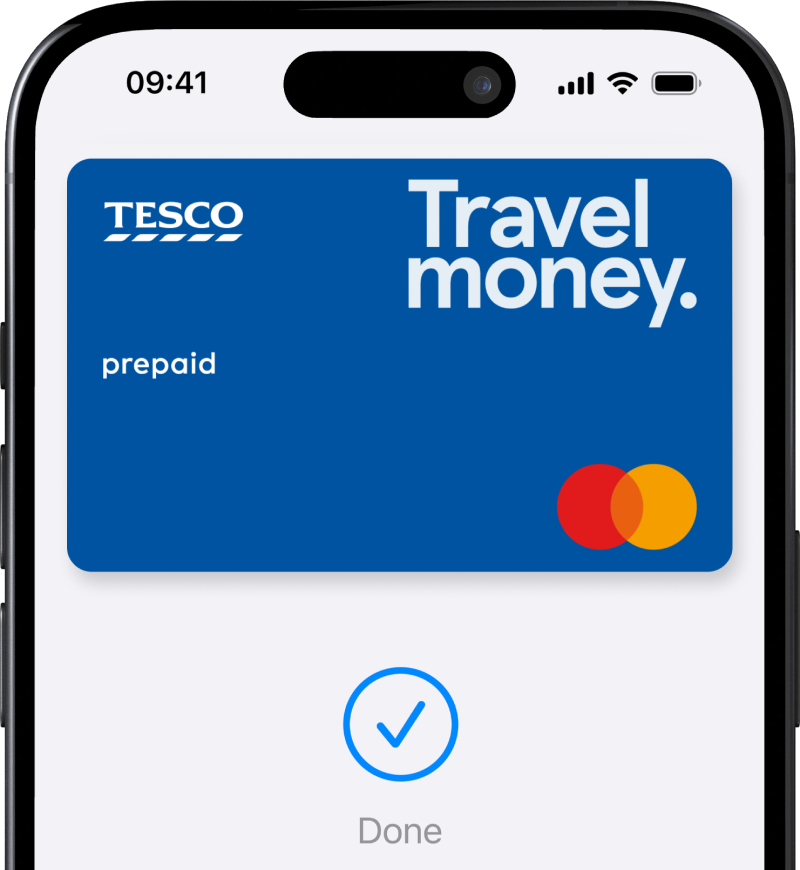
Top up and travel with a Tesco Travel Money Card on your iPhone. For quick, easy and secure spending abroad.
You’ll get a better exchange rate on foreign currency with your Clubcard.
Adding your Tesco Travel Money Card to your Apple Wallet is straightforward.
1. First, register your Tesco Travel Money Card in the Tesco Travel Money Card app.
2. Next, the app will prompt you to add your card to your Apple Wallet. To do this, click on the link on the app's home screen.
3. Finally, follow the onscreen instructions. They'll guide you through the rest of the process.
If can’t add your card successfully, please follow the set up instructions above.
Yes. You can add currency to your Tesco Travel Money Card with Apple Pay. And you’ll get a better exchange rate on foreign currency with your Clubcard.
When you go to checkout, select a payment method. You can select Apple Pay and add funds from Maestro, Mastercard or VISA debit/credit cards.
Follow all the steps in our FAQ above - 'How do I add a Tesco Travel Money Card to my Apple Wallet?'
If you’ve done that, and still can’t add your card, please call the Card Services team at Travelex for help:
If you’re currently outside the UK, you can find out how to contact Travelex on a free local number.
Yes. It's always best to carry your Tesco Travel Money Card with you, even if you use your Apple Wallet most of the time.
Some places might not accept contactless or mobile payments. If you have your card with you, you'll still be able to spend your travel money, wherever Mastercard Prepaid is accepted.
You can use Apple Pay to spend any currency you've added to your Tesco Travel Money Card.
Apple Pay works the same way as your Tesco Travel Money Card. It’ll automatically use the correct currency as long as you have enough funds in that currency.
If you don’t have enough funds in the required currency, payment will be taken in priority order from your Tesco Travel Money Card. If this happens, extra fees may apply.
The priority order is:
GBP, EUR, USD, AUD, CAD, NZD, ZAR, TRY, CHF, AED, MXN, PLN, SEK, JPY, THB, HKD, SGD.
If you lose your Apple device, you can put it in Lost Mode to suspend Apple Pay. Or you can wipe your device completely. You can sign in to iCloud to manage these settings.
If you're concerned about your Tesco Travel Money Card, please sign in to My Account or sign in to the app. There, you can suspend your card quickly and easily.
To suspend your card online:
To suspend your card in the Tesco Travel Money Card app:
If you can’t sign in to My Account or the app, please call the Card Services Team at Travelex for help:
If you’re currently outside the UK, you can find out how to contact Travelex on a free local number.
The Tesco Travel Money Card is issued by PrePay Technologies Limited pursuant to license by Mastercard International. PrePay Technologies Limited is authorised by the Financial Conduct Authority under the Electronic Money Regulations 2011 (FRN: 900010) for the issuing of electronic money and payment instruments. Mastercard and the circles design are registered trademarks of Mastercard International Incorporated.
Apple and the Apple logo are trademarks of Apple Inc., registered in the U.S. and other countries and regions. App Store is a service mark of Apple Inc. Google Play and the Google Play logo are trademarks of Google LLC.